
AI workflow automation: choose the first process to automate
AI workflow automation works best when you pick the right first process. Use this checklist to score work, reduce risk, and plan a pilot.
AI workflow automation sounds expensive until you compare it with the cost of the work people already do by hand.
A sales lead waits two days because nobody copied it from the website form into the CRM. An operations manager spends Friday morning combining five spreadsheets. A support team reads the same type of ticket 400 times a month and still misses the urgent ones. None of this looks dramatic in one case. Across a quarter, it becomes a tax on the business.
The hard part is not finding things to automate. Most teams can list twenty candidates in one meeting. The hard part is choosing the first one without turning the pilot into a science project.
This guide is for founders, operations leads, CTOs, and service teams comparing AI workflow automation options. It gives you a practical way to pick the first process, decide whether AI is needed, and keep the first pilot small enough to finish.
What AI workflow automation means in practice
AI workflow automation combines normal automation with AI steps that handle fuzzy work: reading text, classifying requests, summarizing documents, extracting fields, routing exceptions, or drafting a response for a human to approve.
A normal automation can say: if the invoice is approved, send it to accounting. An AI-assisted workflow can read the invoice email, identify the vendor, compare the amount with the purchase order, flag missing data, and draft the approval note. The system still needs rules. AI just handles the parts that used to require someone to read and interpret the work.
That distinction matters. If a process has clear inputs and fixed rules, use a rule-based workflow. It will be cheaper and easier to test. Use AI when the workflow depends on messy language, documents, intent, or judgement calls that can be reviewed.
The best first AI workflow automation project
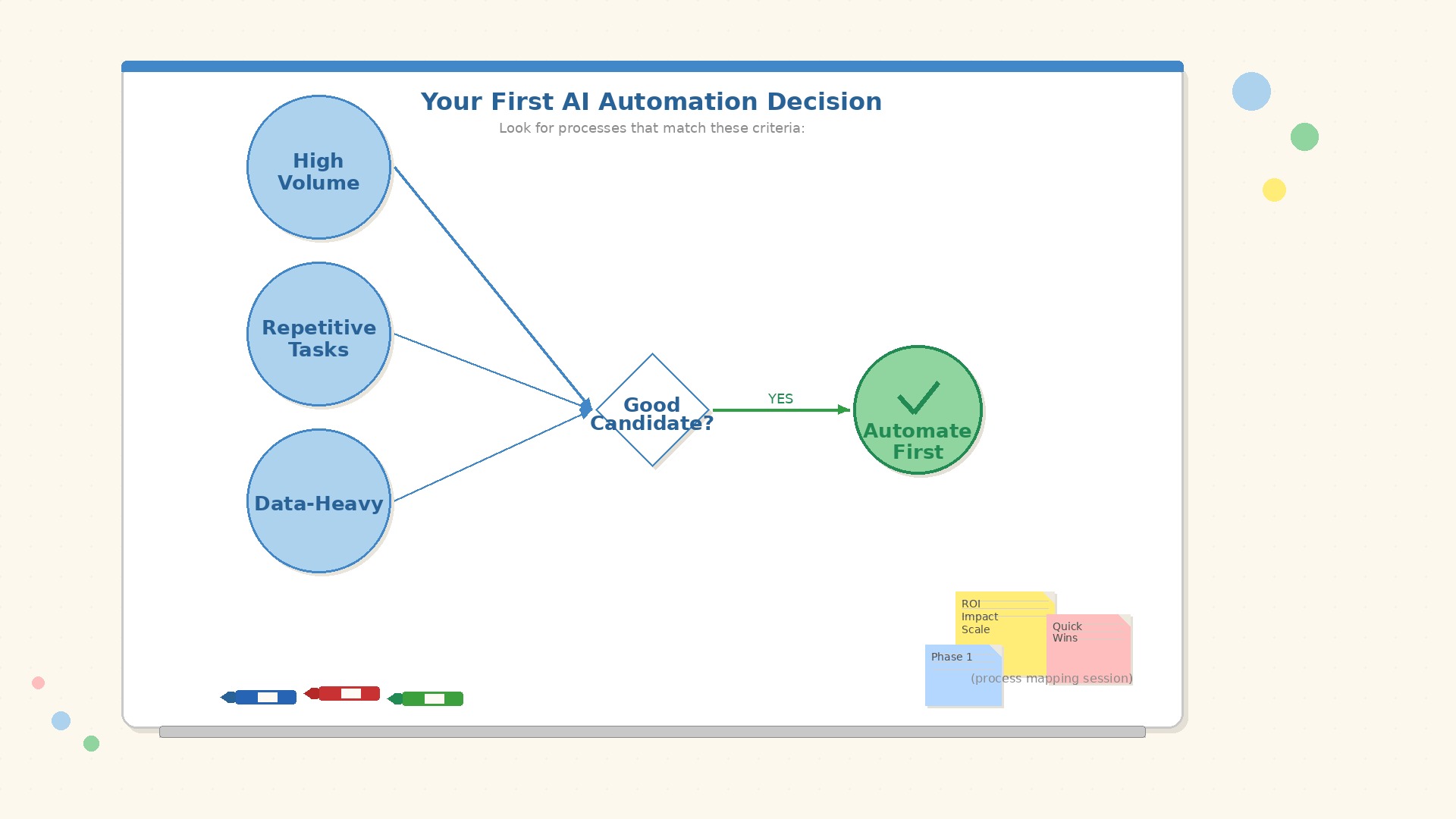
The best first project is boring, frequent, and measurable. Boring is good. Boring means the risk is manageable and the process happens often enough to show whether automation helps.
A strong first candidate usually has these traits:
For example, support ticket triage is often a better first pilot than automated customer replies. Classifying a ticket, finding missing information, and routing it to the right queue can save time with lower reputational risk. The human still writes or approves the answer.
Invoice intake is another good example. The workflow can extract supplier, amount, date, VAT number, purchase order, and missing fields. A person approves the payment. AI reduces typing and chasing, not financial control.
Score automation candidates before you build
Do not pick the loudest pain by instinct. Score candidates in a small table. It is not perfect, but it stops the team from choosing a glamorous problem that is hard to measure.
Use a 1-5 score for each factor:
A good first pilot has high volume, clear manual effort, moderate input messiness, low to medium risk, limited integrations, and simple measurement. If a workflow needs ERP, CRM, data warehouse, legal approval, and three departments before the first test, it is probably not your first pilot.
Take a team that handles 600 inbound partner emails per month. Each one takes about 6 minutes to classify, copy into the CRM, and assign. That is roughly 60 hours of manual work per month before anyone solves the actual request. An AI workflow that extracts the partner name, topic, urgency, and suggested owner could save 30 to 40 hours per month even after review time. That is enough signal for a pilot.
Keep the first AI workflow small
The first version should not replace the whole process. It should remove one painful step and produce evidence.
A useful pilot scope might be:
That is enough. Do not add automatic replies, dashboards, multi-language support, analytics, and every edge case in version one. Those may come later. The first job is to prove that the workflow handles real inputs and that people trust it enough to use it.
Where AI workflow automation fails
Most failures are not model failures. They are process failures with an AI invoice attached.
Common problems:
Before building, write the current process in plain language. What starts it? Who touches it? What decisions happen? Where does work wait? What data is missing most often? If that description is hard to produce, automation is premature. Start with process optimization, then automate the improved version.
Build vs buy for AI workflow automation tools
Buy a tool when the workflow is standard. Meeting notes, simple CRM enrichment, help desk macros, contract search, and common invoice capture often have decent products already. Paying for a tool is usually faster than building around a process that is not special.
Build a custom workflow when the process is specific to how your company works. That usually means the workflow crosses several systems, uses internal rules, needs audit trails, touches sensitive data, or must fit your existing software instead of becoming another tab people forget to open.
There is also a middle path: start with Make, Zapier, n8n, Airtable, or a similar automation layer, then add a small custom service where the business logic becomes too specific. Many good pilots start there because the team can test the workflow before investing in a full custom system.
If budget is the main question, compare the pilot with our guide to the cost of AI implementation. The expensive part is rarely the model API. It is usually integration, testing, security, review screens, and making the workflow fit real operations.
A 30-day plan for the first pilot
A small AI workflow automation pilot can move quickly if the scope is narrow.
Week 1: map and measure
Pick one workflow. Collect 30 to 50 real examples. Measure current volume, handling time, error rate, and backlog. Write the happy path and the exception path.
Week 2: design the review loop
Decide what AI may do, what a human must approve, and where corrections are stored. The review loop is not a detail. It is how the workflow learns what good output means in your business.
Week 3: build the smallest useful version
Connect the input source, run extraction or classification, show results to a reviewer, and log decisions. Avoid production side effects until the team trusts the output.
Week 4: test with real work
Run the workflow on live or recent cases. Track time saved, corrections, missed cases, and user feedback. At the end of the month, decide whether to scale, adjust, or stop.
A stopped pilot can still be a win if it prevents a larger bad investment. The goal is evidence, not ceremony.
FAQ
What is AI workflow automation?
AI workflow automation uses AI inside a business workflow to handle tasks such as classification, extraction, summarization, routing, drafting, and exception detection. It works best when a human can review important outputs before action is taken.
What is a good first AI workflow automation example?
Good first examples include support ticket triage, invoice intake, lead qualification, document field extraction, onboarding checks, and weekly reporting. They are frequent, measurable, and risky enough to matter without being dangerous to test.
Do I need AI for workflow automation?
Not always. If the decision rules are fixed and the data is structured, normal automation is better. Use AI when the workflow involves unstructured text, documents, vague intent, or judgement calls that are expensive for people to repeat.
How much does AI workflow automation cost?
A small pilot often lands in the same range as other focused AI pilots: roughly EUR 8,000 to 25,000 when integrations, review screens, testing, and project work are included. Simple no-code automations can cost less. Production workflows cost more when security and system integration are heavy.
How do you measure AI workflow automation ROI?
Measure current volume, time per case, error rate, backlog, and review effort before the pilot. After launch, compare the same numbers. Hours saved are useful, but fewer missed cases and faster cycle time often matter just as much.
Need help choosing the first workflow?
Syntanea helps teams turn messy internal work into practical software, integrations, and AI-assisted workflows. We usually start by mapping the process, removing obvious waste, and building the smallest pilot that can prove value on real work.
If your team has a list of automation ideas but no clear first step, talk to Syntanea. We can help you choose the workflow, design the review loop, and build a pilot that does not become another unfinished experiment.