
AI email automation: where to start before you automate replies
AI email automation works best when triage, routing, and review come before auto-replies. Learn the workflow and pilot metrics.
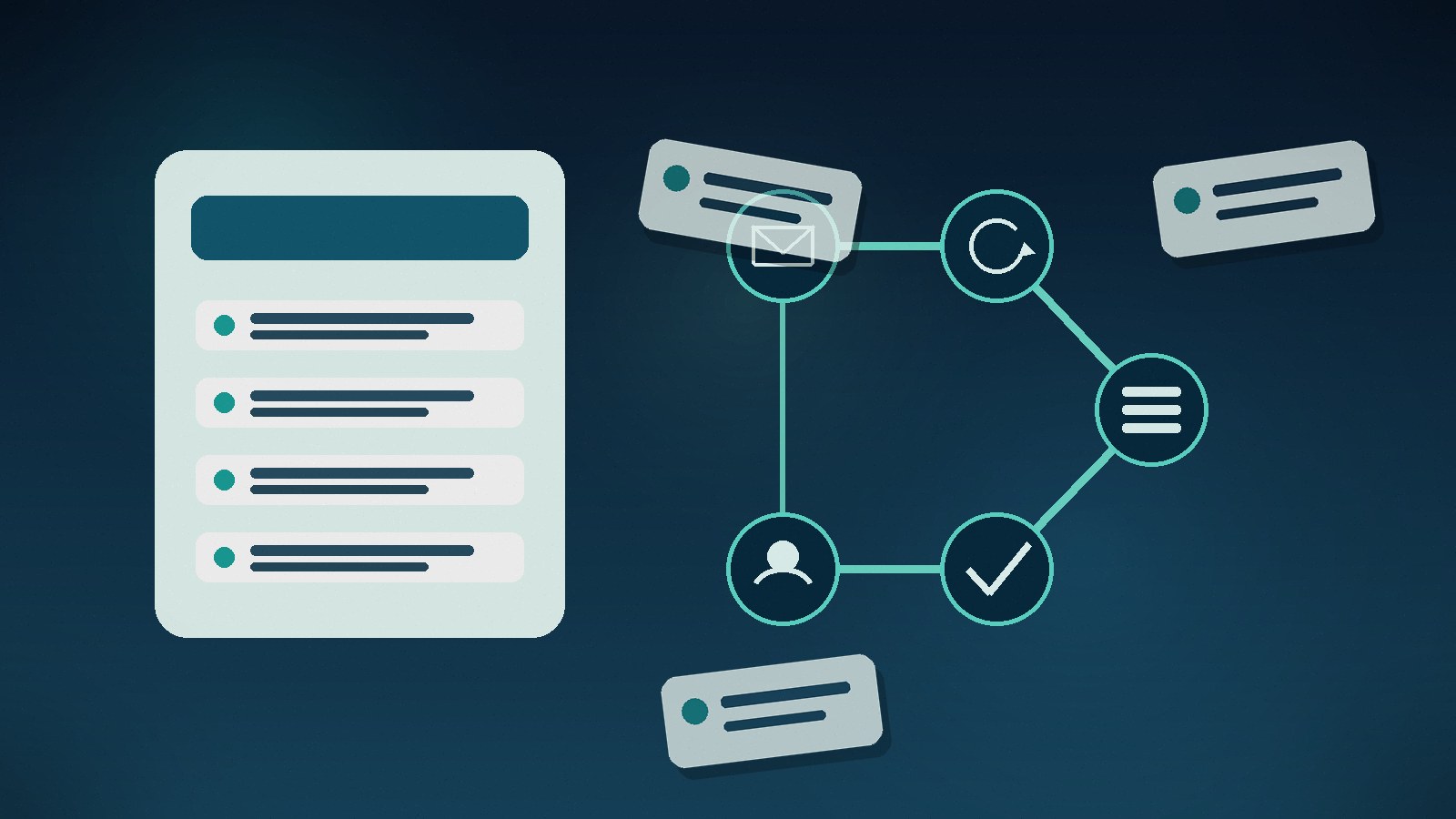
Email work hides in plain sight. A team can lose hours every week sorting shared inboxes, forwarding requests, copying data into tools, and answering the same status questions. Nobody calls it a process problem because it looks like normal office work.
AI email automation is useful when the inbox has patterns: repeated request types, known senders, predictable fields, and clear next steps. It is not useful when nobody agrees what should happen after an email arrives.
The goal is not to let a model reply to everything. The goal is to turn email into a controlled intake channel: classify the message, extract the useful data, route the work, draft a response when safe, and leave risky decisions to people.
AI email automation should start with triage, not replies
Auto-replies are tempting because they are visible. Triage usually saves more time.
A shared inbox often contains several kinds of work mixed together:
If a person spends the first hour of the day deciding what each message means, that is the first automation candidate. Classify the email before trying to answer it.
What an email automation workflow should do
A practical workflow has four layers.
1. Capture the context
The system reads the mailbox, sender, subject, body, attachments, previous thread, and any known customer or supplier record. A message from a key account should not be treated like a cold inbound email just because the subject is vague.
2. Classify the request
The first model task is simple: choose a category and confidence level. Examples: invoice, refund request, bug report, sales lead, contract question, candidate application, delivery update, or spam. Low-confidence messages should go to a human queue.
3. Extract only the fields you need
Do not extract everything because the model can. Extract the data that drives the next step: order number, company name, deadline, invoice total, requested service, affected product, priority, or missing attachment. Smaller extraction schemas are easier to test.
4. Route, draft, or create work
The automation can create a ticket, update a CRM record, assign a task, save an attachment, or draft a reply. For sensitive messages, it should stop before sending and ask for review.
Good first use cases for AI email automation
Start with messages that are frequent and easy to verify.
Good candidates include:
Avoid starting with legal disputes, angry customer escalations, high-value purchasing decisions, or anything that can send money, change access rights, or promise delivery dates without approval.
For document-heavy inboxes, pair this with our guide to AI document processing automation. Many email workflows fail because the message is only the cover letter for a PDF, spreadsheet, or scanned form.
Where simple rules beat AI
Use rules when the condition is clear. A sender domain, customer tier, invoice amount, SLA threshold, duplicate ticket ID, or blocked supplier should trigger the same response every time.
Use AI when the input is messy. It can understand that Can you move the workshop to next Thursday? is a scheduling request, even if the sender never uses the word schedule. It can also summarize a 14-message thread before the account manager takes over.
The safest setup combines both. Rules handle known controls. AI handles language. People handle judgment.
Metrics to measure before building
Measure the inbox for one or two weeks. You need a baseline before anyone argues about ROI.
Track these numbers:
A good first pilot should improve at least one operational metric without making another one worse. Faster replies do not help if the wrong team gets more work.
A 30-day pilot plan
Keep the first pilot narrow. One mailbox. Three to five categories. One target system. Human review on every outbound reply.
Week 1: collect email samples, remove private data where needed, and write the category list. Include weird cases, not only clean examples.
Week 2: build classification and extraction. Compare model output against human labels. Tune the categories before integrating anything.
Week 3: connect the workflow to the target system: ticketing, CRM, project management, finance, or a shared review queue.
Week 4: run it beside the current process. Measure accuracy, saved handling time, wrong routes, and review effort. Do not declare success because the demo looked smooth.
FAQ
What is AI email automation?
AI email automation uses models, rules, and integrations to classify incoming emails, extract useful data, route work, create records, summarize threads, or draft replies. The safest systems keep human review for risky actions.
Can AI reply to customer emails automatically?
It can, but full auto-send should be limited to low-risk cases with approved templates. For support, sales, legal, billing, or delivery promises, AI is usually better as a draft assistant with human approval.
What emails are best for automation?
High-volume, repeatable messages are best: support triage, lead capture, invoice intake, status requests, HR applications, and project updates. Emails that require negotiation, empathy, or commercial judgment should stay with people.
How do you measure email automation ROI?
Measure time saved in triage, fewer wrong handoffs, faster first response, fewer duplicate records, and less manual data entry. Include review time in the calculation, otherwise the ROI will look better than reality.
Is email automation safe for confidential data?
It can be safe if access is scoped, logs are controlled, sensitive fields are masked where possible, and the model provider and data retention settings match the company's security requirements. Treat the mailbox as a system of record, not a toy dataset.
Build the workflow before the bot
AI email automation works when the process behind the inbox is clear. If the team cannot agree who owns a message, what data matters, or what counts as done, a model will only move the mess faster.
Syntanea helps companies turn shared inboxes and manual handoffs into practical software workflows: classification, extraction, ticketing, CRM updates, approvals, and review queues. If one inbox quietly runs half your operation, talk to Syntanea. We can map it and build a pilot that proves value before you automate the wrong thing.